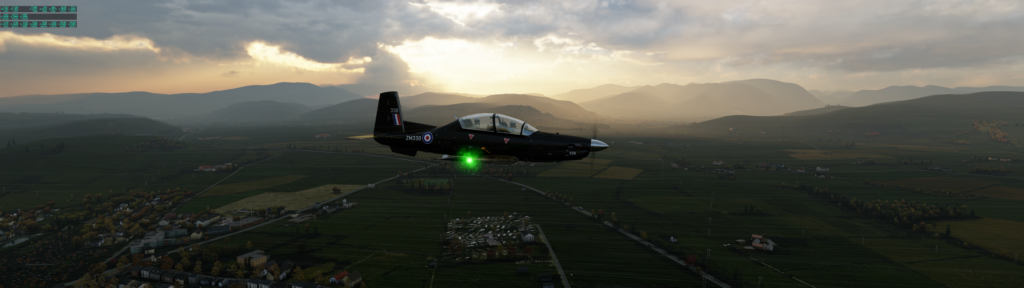
Morning coffee and some flight simulation is a lovely way to start the day. Using a fictional Keswick Airport also allows instant Lake District views. Check out this look while flying over Cockermouth.
T-6A Cockermouth
The lighting in this is just gorgeous. And I’m running at around 30FPS. Now, 30FPS to gamers might seem poor performance but let me tell you that for a flight simulator in full widescreen massive mode it is pretty impressive. Yes, my electricity bill might be a lot but I do love how this looks.
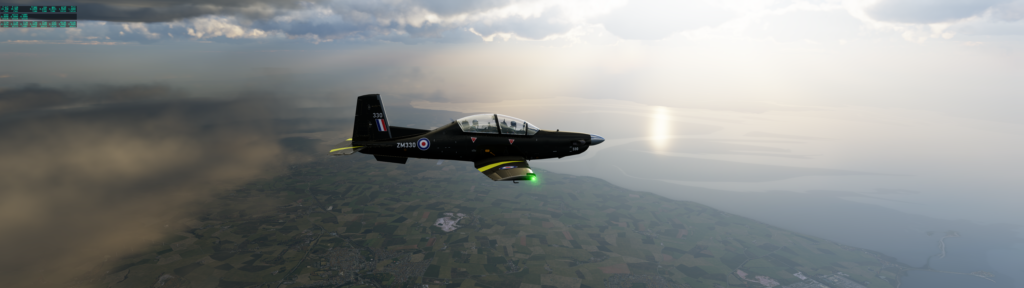
T-6A Morecombe Bay
Part of the same flight and a contrast in colours to the first screenshot but this one shows the reflections of the water and the low level cloud still over the Lake District.
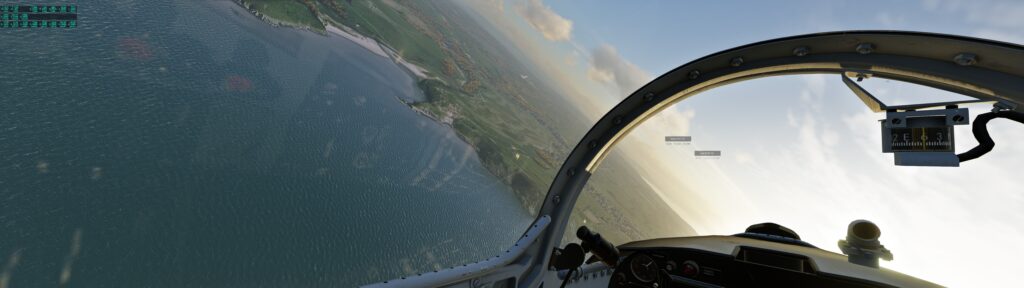
I was doing a thing in X-Plane when the beauty of it struck me. Look at the water, look at the reflections in the glass, and look at the countryside. Just beautiful.
Views of water and countryside from the cockpit
The text boxes in the air just off the nose are other aircraft inputted to the simulator by an add-in I use. It makes flying around less lonely.
I try and have a play in my flight sim a few times a week. It’s nice and calming, I get to see the countryside and it makes me happy. My initial plan for today’s flight was to take off from Biggin Hill and then head to the coast, go low level over the Channel and then land somewhere in France. However, after take off I thought I’d do some sight seeing over London. I turned west. I could then see Canary Wharf, the City and beyond, but there was a little target right in the middle. A small square on the screen. So, it just had to be done. I was flying the L29 and it’s a lovely little plane, not much fuel capacity but flies well. I pointed the nose at the square and off we went.
Threading The Needle
I’ve called this communication Doing A Pollock in honour of the actual RAF pilot who flew his Hunter through the bridge. I love how his unit was posted to Africa after his stunt!
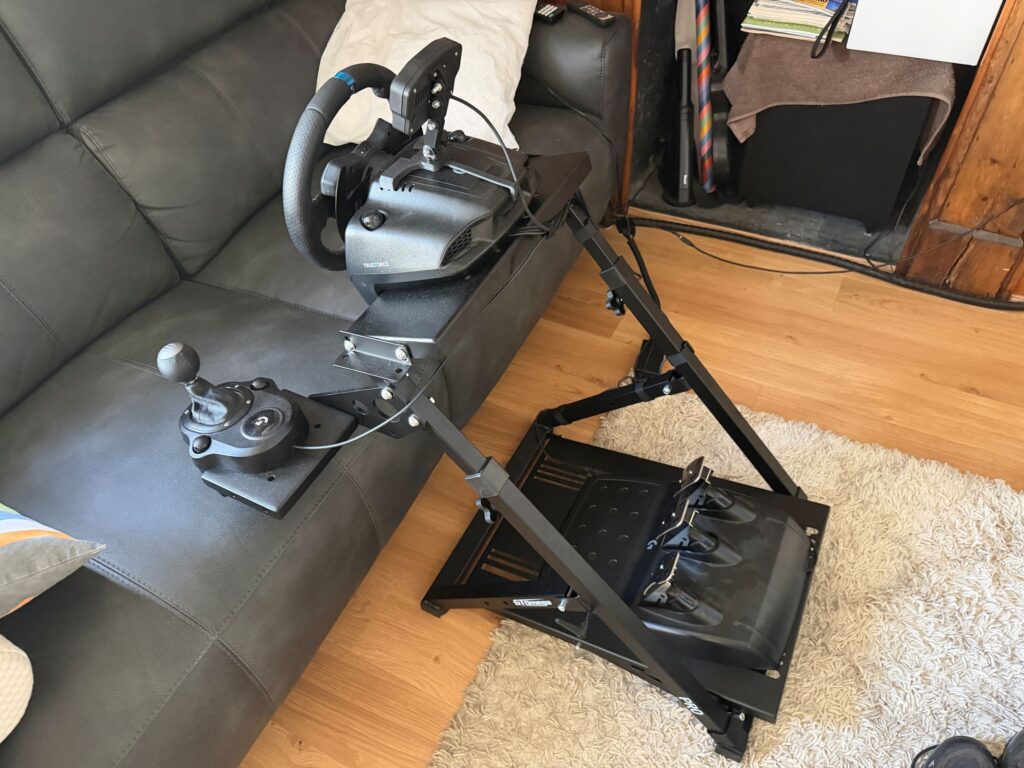
I’ve had two racing wheel stands that have both had a single point of weakness. The stands were around GBP60 but the angle of dangle was kept secure by a single bolt going through a flange on an axle. Both of these wheel stands failed where the flange met the axle. The design just wasn’t good enough to cope with the torque involved. So, I looked up another stand using Google. I initially searched Amazon but I didn’t want my money passing through that company so the plan was to get an idea of cost and then buy direct from a manufacturers website. Using this method I found GT Omega. I decided to buy one of their stands. It was sent via DHL but I wasn’t in the house so I had it delivered to a pick-up centre. You might imagine I could get the package sent to the DHL centre I can see from my house but that wasn’t an option and I had to go to Sittingbourne instead.
I picked this box up on a really humid day. It was awfully humid. I was grumpy all day and I didn’t enjoy the weather, much like I found the weather this whole summer to be awful. I’m currently looking into buying an air conditioning unit for my house. It’s a small house and I reckon I could make it very pleasant during the heat waves that we are going to keep getting. If you aren’t filled with an existential threat about humanity and the climate then I think you probably just aren’t a thinking human being.
This steering wheel stand is constructed very well. It’s solid. I can’t see any points of failure and it holds my wheel, gear stick and pedals perfectly. I love how Logitech have made their products with securing bolts built in so they can be fixed to third party devices. The HOTAS system I have works in a very similar way.
As you can see the whole frame is pretty solid. I reckon I could stand on the wheel block and it would easily hold my weight. The pedals are screwed in position and now there’s no movement and I don’t have to use my feet to adjust the pedal position while driving. The gearstick is in a more “simulator” position and I try to use this when I drive a car that doesn’t have “flappy paddles”. Overall this is a decent addition to the setup. It even folds up so can save a little bit of space when needed.
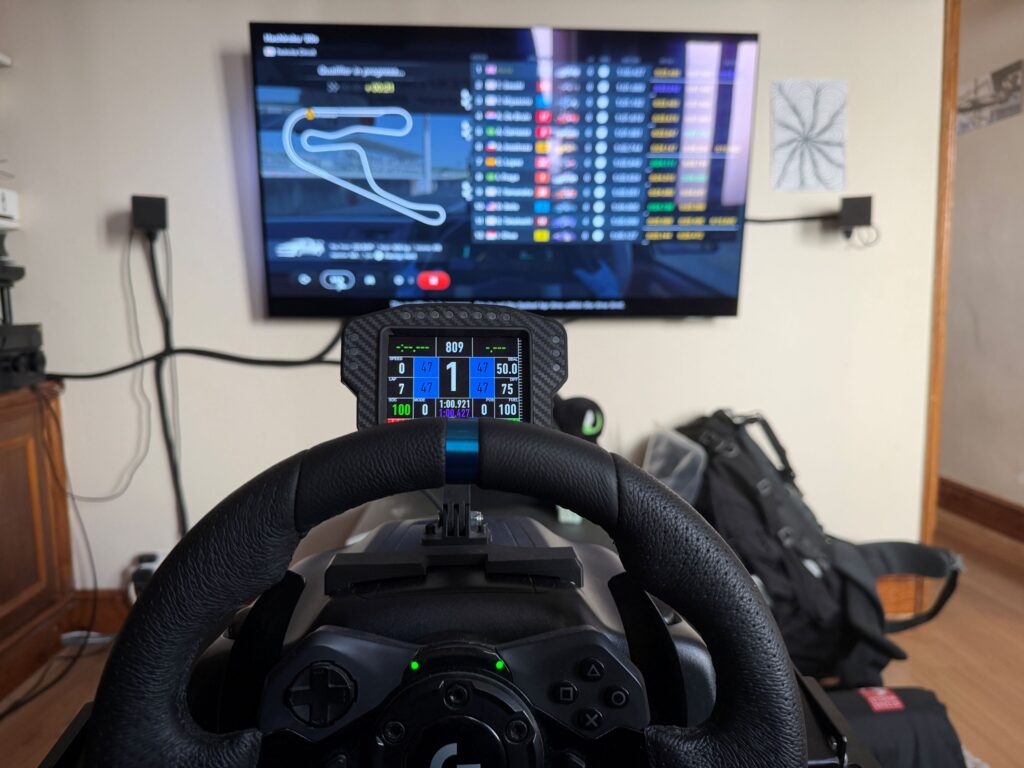
The above picture shows my view. Nice big, bright TV. 7.2 surround sound. Telemetry box on top of the wheel showing tire temps and other information. All in all the driving experience got a lot better with this new stand.
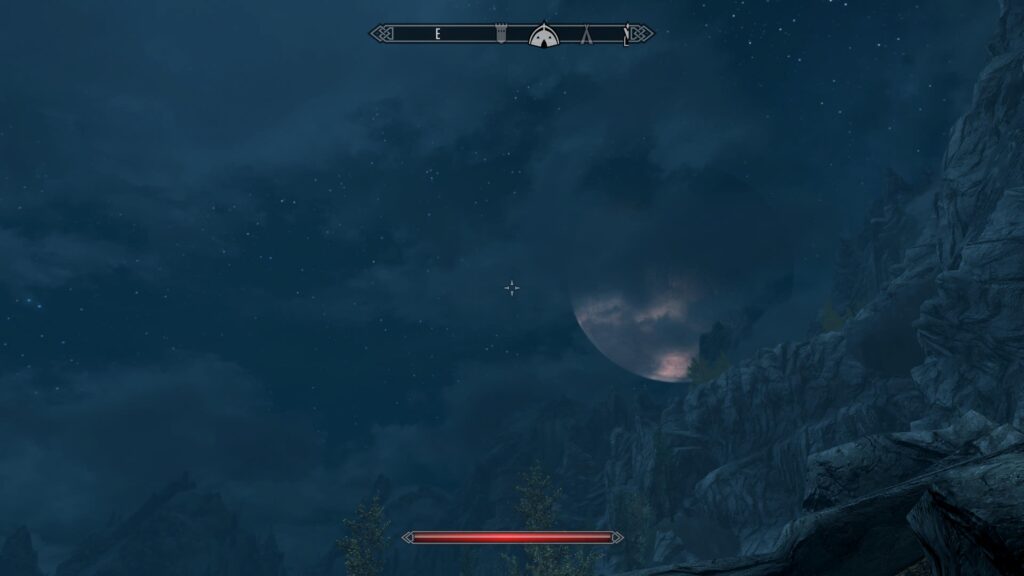
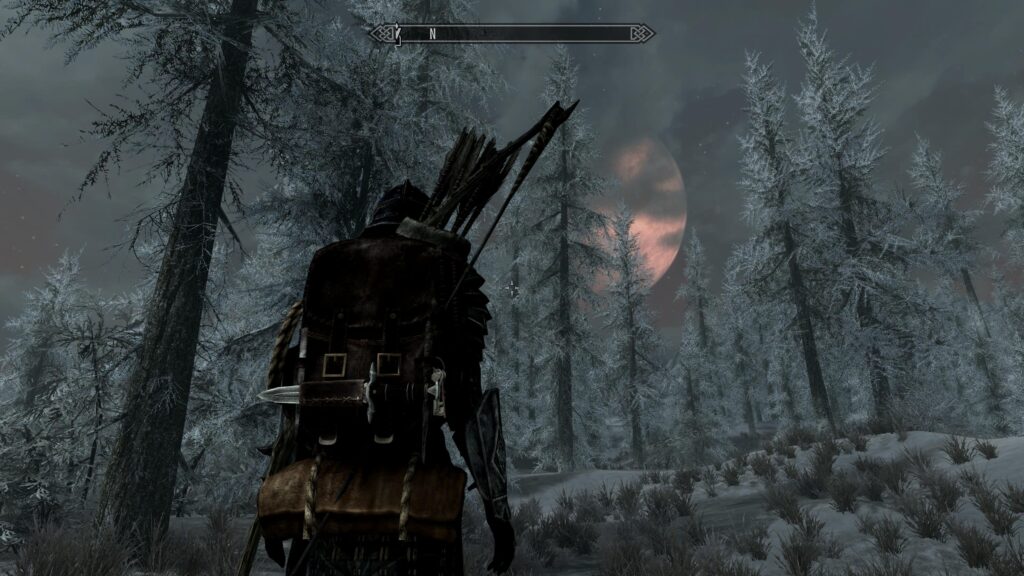
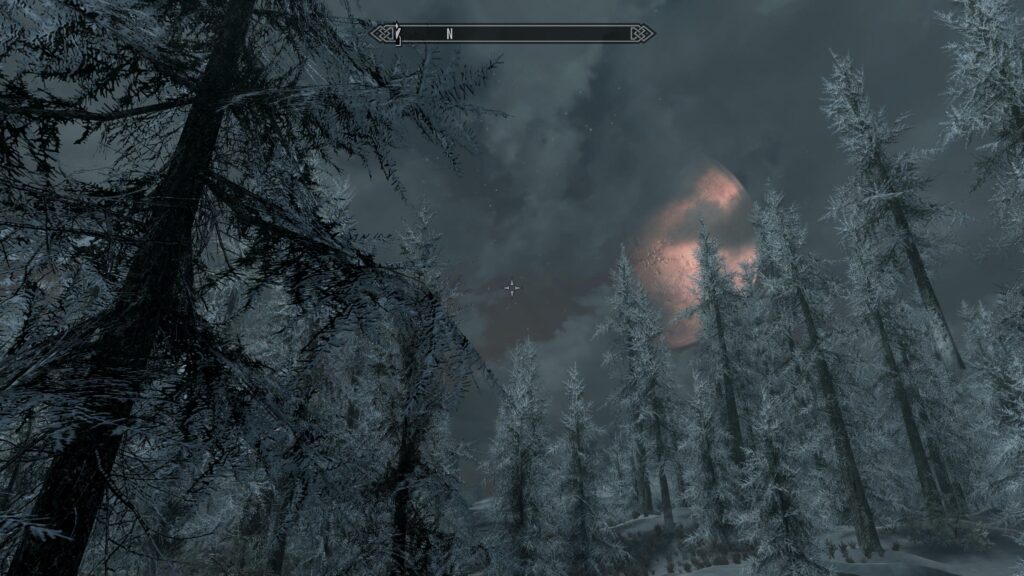
I’ve been spending some time in the world of Skyrim. Someone at work mentioned it and I saw it going cheap on the PlayStation store so I think I bought it. I wasn’t sure what to expect, especially as the game is fifteen years old. Then, one day earlier in the summer, I pretty much spent twelve hours playing the game and I decided I would delete it so that at least I have some sense of achievement of real things during August. After I returned from Wales I decided I would start playing again and it was around then I noticed the moon in the game!
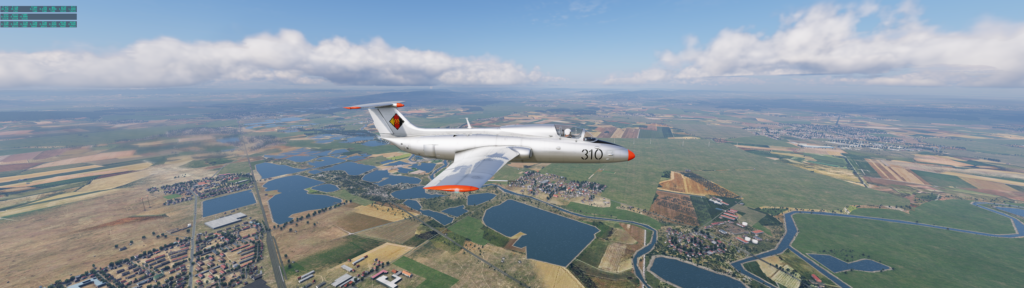
I recently realised that I have some reward points in my X-Plane shop account. It looks like I’ve spent enough money to get some “free” extras. So I purchased the L29 for X-Plane. I’ve been flying around in it and it’s nice and smooth. It doesn’t react to anything as fast as the other military planes I have but it’s nice.
L29A – X-Plane
The picture is me flying from Hildesheim to Hannover checking out my new scenery files. Now, it turns out that the title of this communication is a reference to a Monty Python sketch that is about an albatross. The problem is that the L29 is really called the Delfín and it’s the L39 that is the Albatross. Oh well, maybe I’ll get the plane correct next time!
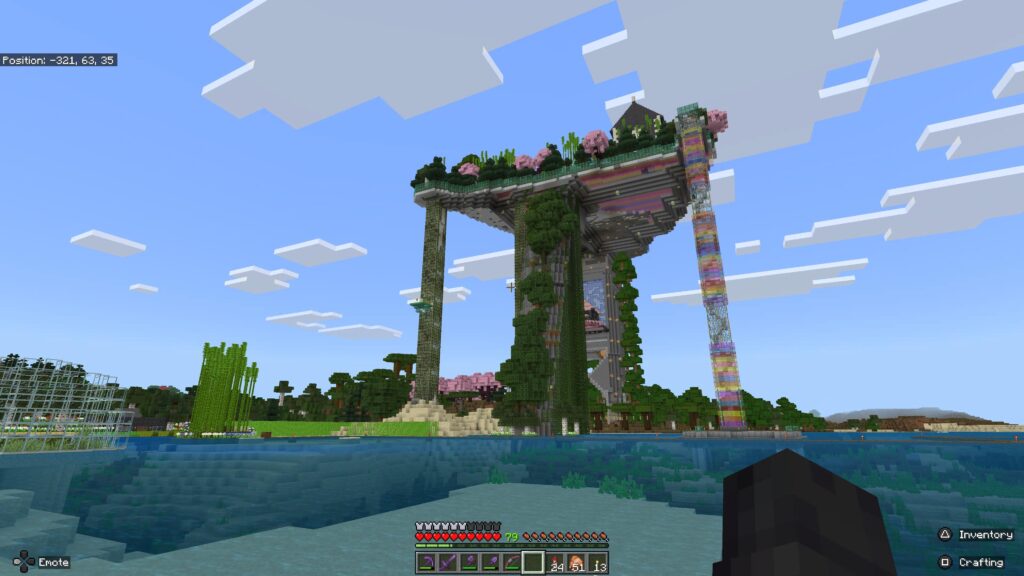
For whatever reason a while back I decided to build a “big thing” in Minecraft and I kinda broke my own rules while doing it. Until this point I had made it a mission that all builds shouldn’t be able to be seen from the main base on the shoreline. I failed to do that with this build:
The “Platform” in the Minecraft world
So, I am going to build some sea cliffs to hide the superstructure of the platform. I’ve started the basics of the sea cliffs and we will see what happens. I’m looking forward to it, but I’m also scared at the same time. There’s a lot of work to be done.
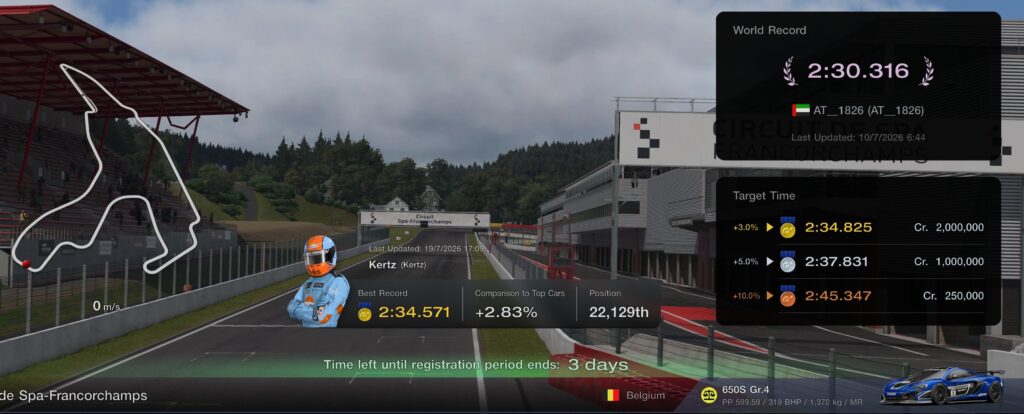
One of the weekly events that happen in Gran Turismo is a time trial around a particular circuit in a particular car. When I logged in recently there was a timed lap challenge around Spa-Francorchamps in a Porsche. I always try and do these events as they are an easy way to make some in-game money. With this particular circuit the game seemed very strict with track limits – there were bollards on some corners and if you touched them it invalidated the lap. Here is my laptime result:
Gran Turismo Spa-Francorchamps Online Time Trial Result
The world record is 2:30.316 and then levels of greatness are done in terms of percentage time added on. I managed to get a GOLD time on this circuit. This makes me very happy. I’m normally somewhere around a mid-silver. I’ve only had two gold times before. I think this will bag me a million in-game credits.
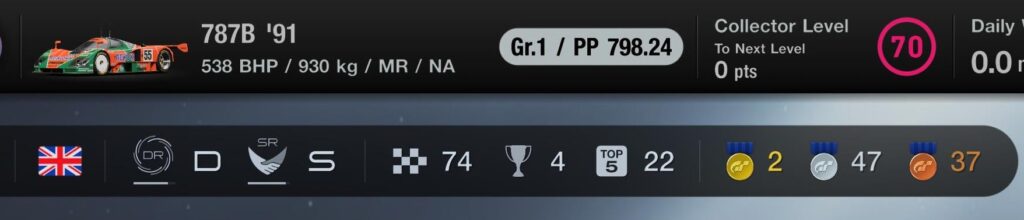
Gran Turismo Online Results
Above is my overall results from the online challenges and races. I don’t really enjoy the races because it’s quite common to get bumped off the circuit and all your qualifying practice and time are just ruined. The time trials are more interesting and a better way to compare yourself to others.
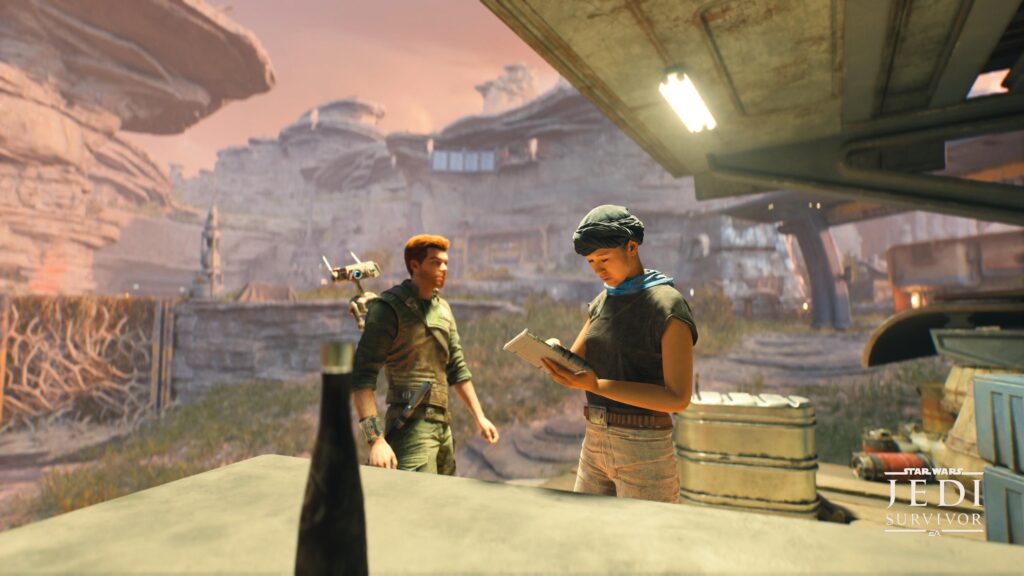
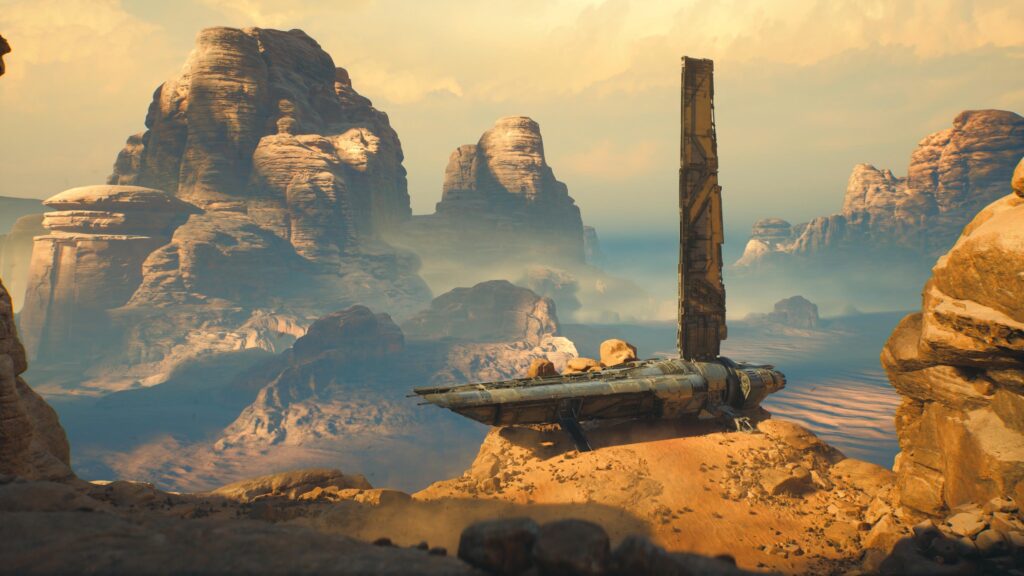
I’ve recently been getting into story based games on the PlayStation. So far I have played Horizon Zero Dawn and Hogwarts Legacy. I can only really play these during breaks from work because I find them so addictive and I love the exploring element. Sometimes the cut scenes are too long and I don’t care enough. I have a certain amount of time and I want to enjoy that doing things I like to the fullest – not watching some character building back story. Anyway, this game is fun and I thought I’d share a couple of screen shots I took.
Jedi talking to someone
Spaceship on Planet – I wasn’t paying attention
Playing these sorts of games is like watching a film but being far more involved. They are growing on me.